Quick answer: Odoo 20 Discuss adds polls in conversations, channel categories, favourite channels, an "On a call" status and call transcripts, and Odoo's launch post says clients can join a Discuss video call from their browser with no download and no login. The Odoo Phone app (the renamed VoIP app) adds a visual call flow designer, call transfer to another device, a choice of outgoing number, call logging in the chatter and recorded calls with transcripts.
This guide covers what's new in Odoo 20 Discuss and Phone, using only the Odoo 20 release notes, Odoo's "Meet Odoo 20" announcement and the official 20.0 documentation. We also list what to check before you rely on Odoo Phone in India, because provider coverage and phone numbers are not the same in every country.
What's new in Odoo 20 Discuss?
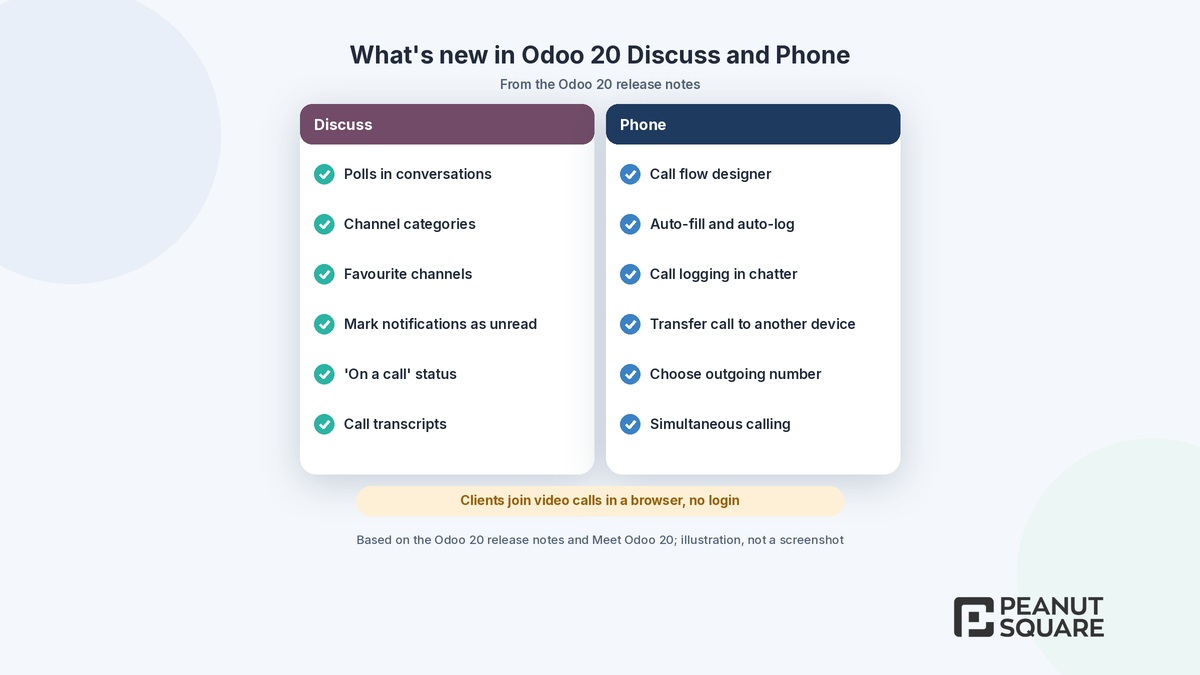
Discuss is Odoo's built-in chat and meeting app. Odoo's "Meet Odoo 20" post describes it as one place for direct chats, channels, video calls, AI, live chat and WhatsApp. The Odoo 20 release notes list these Discuss changes:
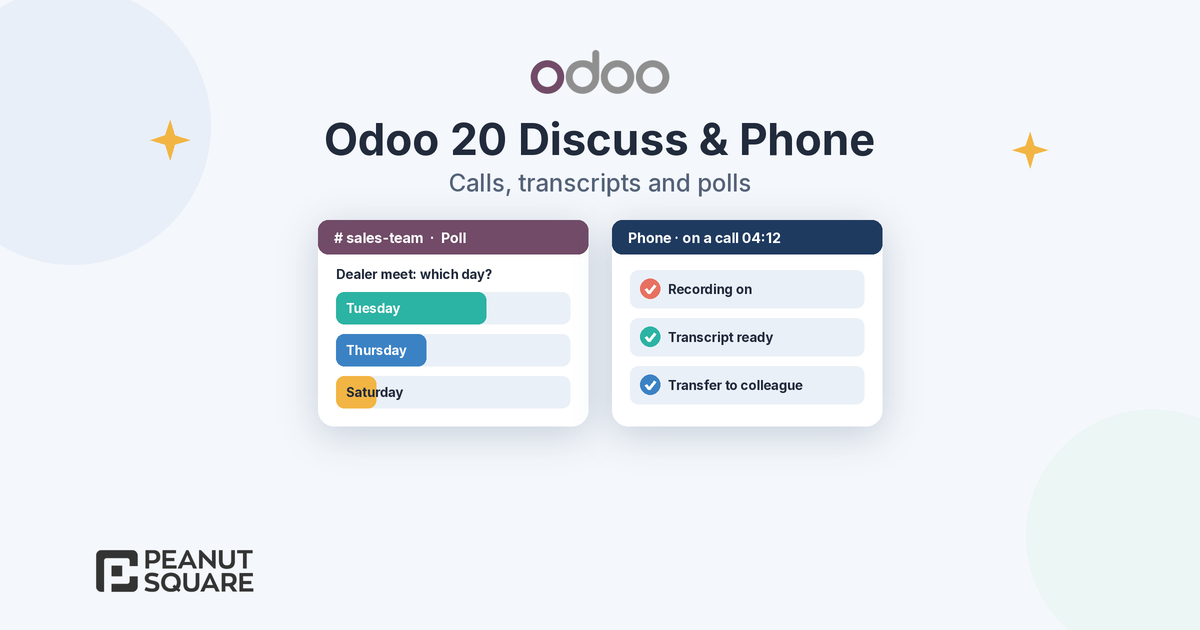
Polls: "Create polls in your conversations." Odoo's launch post suggests using a quick poll "to settle a decision".
Channel categories: organise channels into categories, so a sales team and a production team can keep their channels apart.
Favourite channels: add channels to your favourites to find them faster.
Mark notifications as unread: keep a notification as a reminder while you handle it in Odoo.
"On a call" status: see in Discuss when a colleague is on a call through the Phone app, before you call or message them.
Call transcripts: "Record Discuss calls and get summaries of what was said."
Channels themselves work as before in the 20.0 docs: an administrator can limit a channel to an Authorized Group and use Auto Subscribe Groups or Auto Subscribe Departments to add members automatically.
Can clients join an Odoo Discuss video call without logging in?
Yes, according to Odoo. The "Meet Odoo 20" post says you can "hop on a video call your client can join straight from their browser. No download and no login required." During a meeting, the 20.0 Discuss docs list the usual controls: mute, deafen, camera, raise hand and share screen.
For an Indian manufacturer or distributor, this means a quick review call with a dealer or customer can start from Odoo without asking them to install anything. Test the link with one real client on your own network and browser before you make it your standard way of meeting.
How do recording and call transcripts work?
Odoo's launch post says you can record the call and share your screen, and once you wrap up "it's automatically transcribed, so you can click any line to jump right back to that moment." The 20.0 Phone documentation gives the detail for phone calls:
An administrator goes to Phone app ‣ Configuration ‣ Providers and sets Call Recording to Disabled, Let users decide or Force for all users, and Transcription to Disable or Force for all users.
Recordings are stored using the Cloud Storage integration. If Cloud Storage is not configured, Odoo shows a warning and call recording cannot be enabled.
After a recorded call, a Request Transcription button appears on the call record, if transcription is enabled for that provider.
A Call Debrief panel then shows a timestamped transcript next to an audio player. Clicking a line jumps to that moment, playback speed runs from 0.25x to 3x, and the recording can be downloaded as an MP3 file.
Before you switch recording on, decide who may record calls, how callers are told, and how long recordings are kept. Those are business and legal decisions, not Odoo settings, so agree them with your management and advisers first.
What's new in the Odoo Phone app?
The 20.0 documentation explains that the VoIP module was renamed Odoo Phone as of version 19.0. The Odoo 20 release notes then list these Phone features:
Call flow designer: design a flow for incoming calls with extensions, call menus, time- and location-specific steps and other PBX features.
Auto-fill and auto-log: opening the softphone on a record fills in that record's phone number and logs the call on it if the numbers match.
Call logging in chatter: calls can be logged in the chatter during or after each call.
Call transfer to another device: move an ongoing call from one device to another without interruption.
Choose outgoing number: assign several numbers to a user and let them choose the caller ID.
Floating widget, audio settings during a call, push notifications for incoming calls, simultaneous calling and Linphone provisioning with a QR code.
The 20.0 Phone widget docs list the in-call controls: Transfer (Direct or Ask First), Add Call, Hold, Record and Mute.
How do Odoo 20 call flows route incoming calls?
The 20.0 "Call flows" page says a call flow decides "who it rings, which menu it plays, and where it goes if nobody answers". You build it as a diagram in Phone app ‣ Configuration ‣ Call Flows. Every flow starts with a green Start node, and you can add nodes such as Call a User, Call a Group, Send to a Queue, Open a Menu (an IVR), Play Audio, Send to Voicemail, Redirect to an External Number, Time Condition and Hang Up.
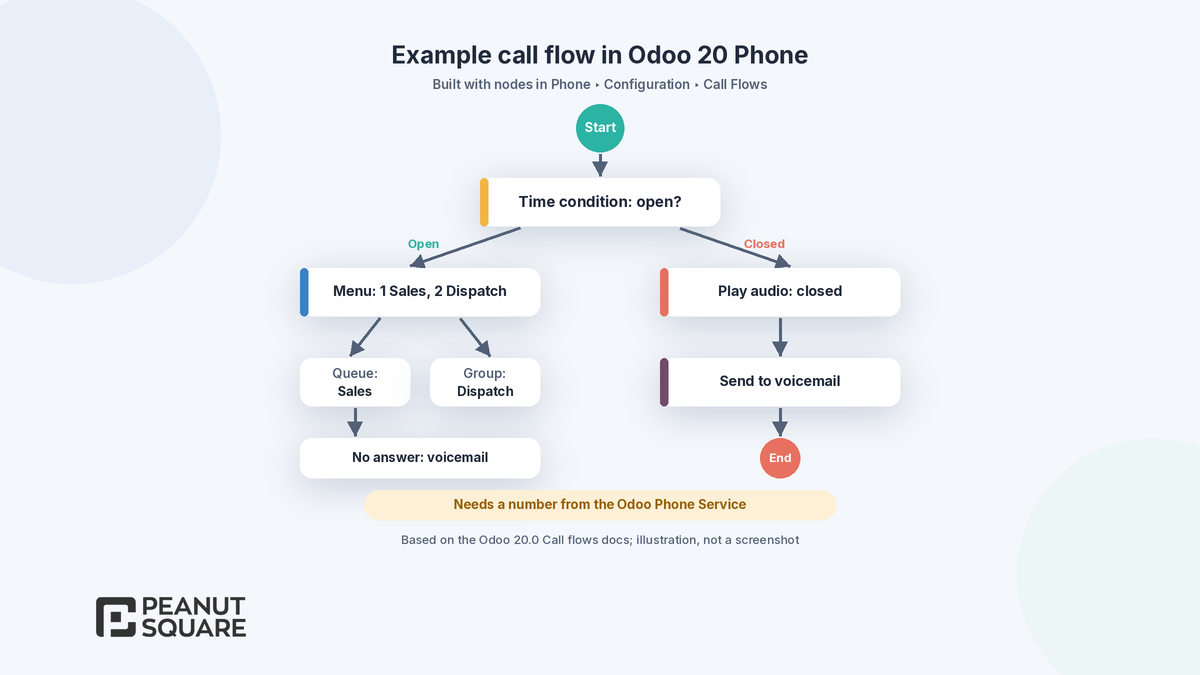
A typical flow for a factory office could be: check business hours, play a menu (press 1 for sales, 2 for dispatch), send the caller to a queue, and fall back to voicemail after hours. One important limit: Odoo's docs say call flows require at least one phone number purchased through the Odoo Phone Service. If you use your own provider, check whether call flows apply to your setup.
Is Odoo Phone available in India? What to check first
Odoo's documentation does not give a country list for Odoo Phone, so check these points before you plan around it:
Provider. The 20.0 docs list three verified providers: Axivox, DIDWW and OnSIP. Odoo says Axivox is based in Europe, so "international call performance may vary", and OnSIP is only available in the United States with a US billing address and credit card. For DIDWW, the docs ask you to confirm that your company's and your callers' locations are covered.
Phone numbers. Odoo's launch post says you can buy and assign numbers "in a few clicks", but check whether Indian numbers are offered for your database, and whether your existing numbers can be ported. Odoo notes that some providers cannot release numbers because of local rules.
Other providers. Odoo says other providers can work if they support SIP over WebSocket and WebRTC, but it recommends a verified provider and cannot guarantee compatibility.
Access. Phone has its own roles (No, Officer, Administrator), and the docs note that database administrators are not automatically Phone administrators.
Mobile. The docs warn that the Odoo mobile app does not ring on incoming calls and suggest a SIP app such as Zoiper for mobile use.
Recording storage. Recording needs the Cloud Storage integration, as described above.
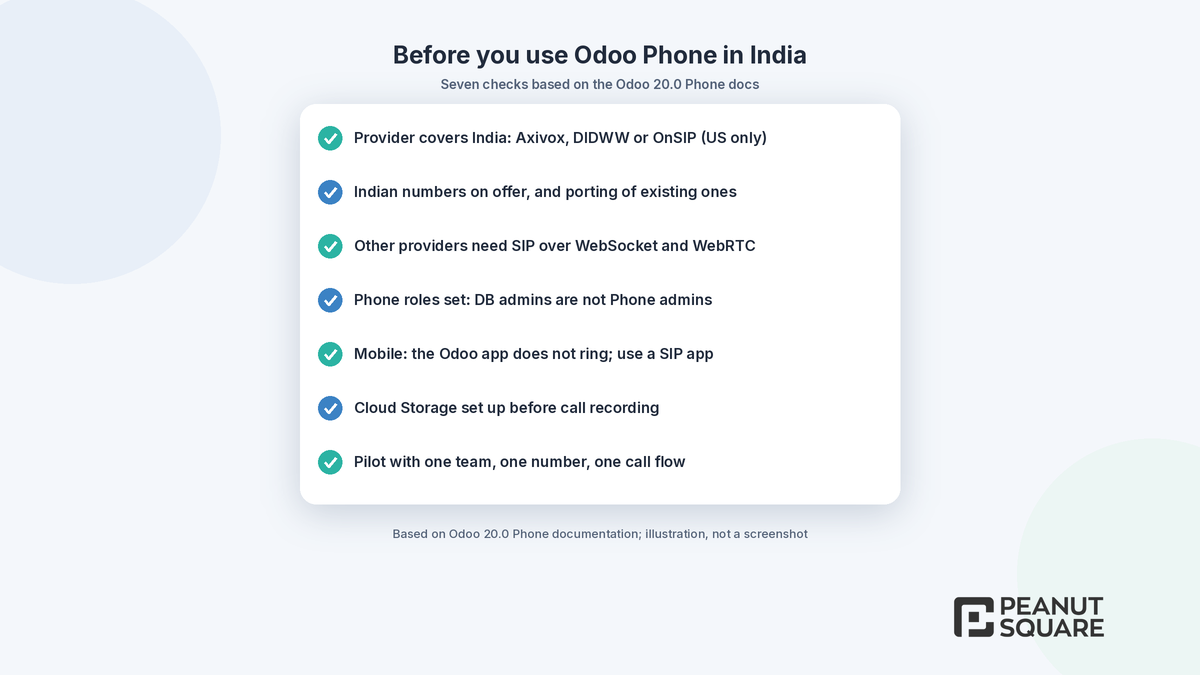
Our advice: run a two-week pilot with one team, one number and one call flow on a test or trial database, then roll out more widely once calls, transfers and logging work as expected.
For the full list of Odoo 20 changes, read our guide to Odoo 20 new features and our Odoo 19 vs Odoo 20 comparison. If you are tightening permissions at the same time, see Odoo 20 access rights, and to see where Discuss fits in the wider system, visit our Odoo ERP page.
How Peanut Square can help
Peanut Square is an Odoo Learning Partner based in Ahmedabad, Gujarat, founded in 2017. We have developed 90 Odoo modules and delivered 100+ projects, and our team includes an Odoo-certified consultant. Our Odoo clients include Renite Vitrified, Woodleaf and Madhav Solar. Our Odoo implementation team can check provider and number options for your locations, set up Discuss channels and Phone roles, design and test a call flow on a test database, and train your sales and support teams, for businesses in Ahmedabad, across Gujarat and remotely.
Planning to use Odoo 20 Discuss and Phone? Talk to our Ahmedabad team: https://www.peanutsquare.com/en/contact
About the author: Nishant Patel, CTO, Peanut Square
Nishant leads technology at Peanut Square, an Odoo Learning Partner founded in 2017 and based in Ahmedabad, Gujarat. The team has developed 90 Odoo modules, delivered 100+ projects and includes an Odoo-certified consultant.
Sources
Odoo 20 release notes: https://www.odoo.com/odoo-20-release-notes
Odoo blog, Meet Odoo 20: https://www.odoo.com/blog/odoo-news-5/meet-odoo-20-2439
Odoo 20.0 documentation, Odoo Phone: https://www.odoo.com/documentation/20.0/applications/productivity/phone.html
Odoo 20.0 documentation, Call flows: https://www.odoo.com/documentation/20.0/applications/productivity/phone/configuration/call_flows.html
Odoo 20.0 documentation, Odoo Phone with DIDWW: https://www.odoo.com/documentation/20.0/applications/productivity/phone/didww.html
Odoo 20.0 documentation, Discuss: https://www.odoo.com/documentation/20.0/applications/productivity/discuss.html
What's new in Odoo Discuss and Phone in Odoo 20?
The Odoo 20 release notes list polls, channel categories, favourite channels, marking notifications as unread, an 'On a call' status and call transcripts in Discuss. Odoo Phone adds a call flow designer, auto-fill and auto-log, call logging in the chatter, call transfer to another device, a choice of outgoing number and simultaneous calling.
Can clients join an Odoo 20 video call without an Odoo account?
Yes, according to Odoo's 'Meet Odoo 20' announcement: clients can join a Discuss video call straight from their browser, with no download and no login required. You can record the call and share your screen, and the recording is automatically transcribed.
How do I turn on call recording and transcription in Odoo Phone?
Go to Phone app ‣ Configuration ‣ Providers and set Call Recording (Disabled, Let users decide or Force for all users) and Transcription for each provider. Recordings use the Cloud Storage integration, so recording cannot be enabled until Cloud Storage is configured. A Call Debrief panel then shows a timestamped transcript.
Is the Odoo VoIP app the same as Odoo Phone?
Yes. The Odoo 20.0 documentation says the VoIP module was renamed Odoo Phone as of version 19.0. It works with verified providers Axivox, DIDWW and OnSIP, and with other providers that support SIP over WebSocket and WebRTC, although Odoo cannot guarantee compatibility with every alternate provider.
Can I use Odoo Phone in India?
Check before you plan around it. Odoo's docs do not give a country list: Axivox is based in Europe, OnSIP is US only, and for DIDWW Odoo asks you to confirm your locations are covered and your numbers can be ported. Call flows also need a number bought through the Odoo Phone Service, so confirm Indian numbers are offered.