Quick answer: To upgrade custom Odoo modules to Odoo 20, follow the six steps in Odoo's official "Upgrade a customized database" guide: freeze and challenge your developments, request an upgraded test database, make each module install and pass tests on an empty Odoo 20 database, make it work on the upgraded database with upgrade scripts, test and rehearse, then upgrade production. For Odoo 20, add checks for the new access rights model, removed tracking values and discontinued apps.
A database with custom modules cannot be upgraded until those modules are ready for the target version. Odoo's upgrade documentation says so directly, and it is the reason many businesses stay on old versions longer than they should. This developer checklist explains how to upgrade custom Odoo modules to Odoo 20 using Odoo's own process, which code changes to expect, how to handle security, and how to plan testing and go-live. Every Odoo fact here comes from the official Odoo 20.0 documentation or the Odoo 20 release notes, linked at the end.
Why do custom modules decide your Odoo upgrade?
Odoo's documentation says each major version is supported for three years, and databases on Odoo Online major versions must be upgraded every two years. With Odoo Enterprise, upgrading the database is free and covers standard applications, Studio customizations while Studio is still installed, and developments covered by a maintenance of customizations subscription. The upgrade SLA does not cover modules created in-house or by third parties, including Odoo partners, unless they are under a maintenance contract. It also excludes cleaning pre-existing data and training.
So if your database runs custom modules, someone has to upgrade their source code. Odoo recommends doing this in parallel: request an upgraded test database while you upgrade the code.
Step 1: Audit your custom code
Odoo's guide starts with "stop the developments and challenge them". A complete code freeze is recommended once the upgrade starts, with bug fixing as the only exception, because anything you build in the meantime has to be upgraded and tested again. Then compare each custom feature with what the new version offers, using the release notes, and remove what is now standard. Odoo's guide says removing redundancy eases the upgrade and reduces technical debt.
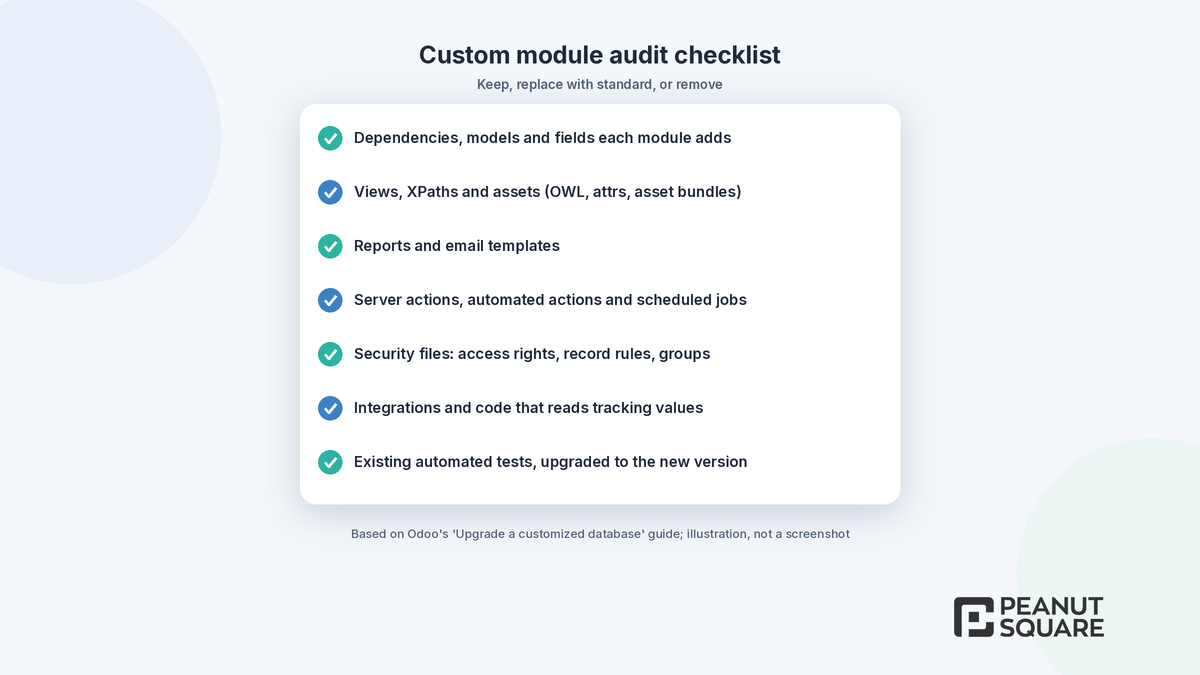
A practical audit lists, for each module: its dependencies, the models and fields it adds, the views and XPaths it changes, its reports, email templates, server and automated actions, scheduled jobs, security files, integrations, and whether it has automated tests. Mark each item as keep, replace with standard or remove.
What is the official Odoo upgrade process for custom modules?
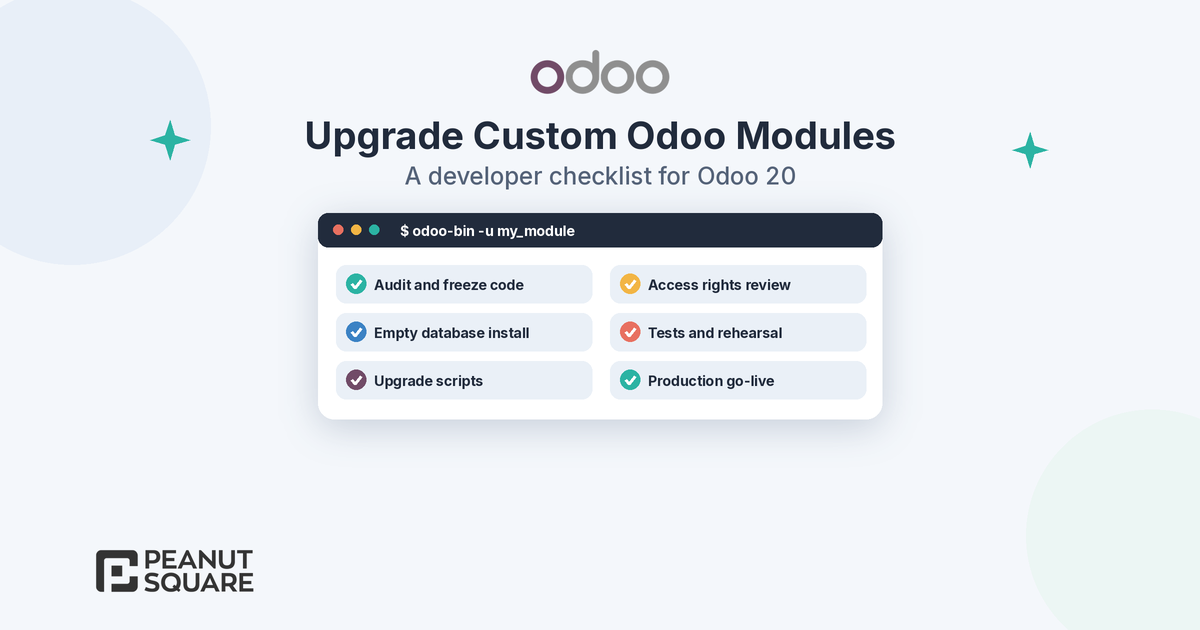
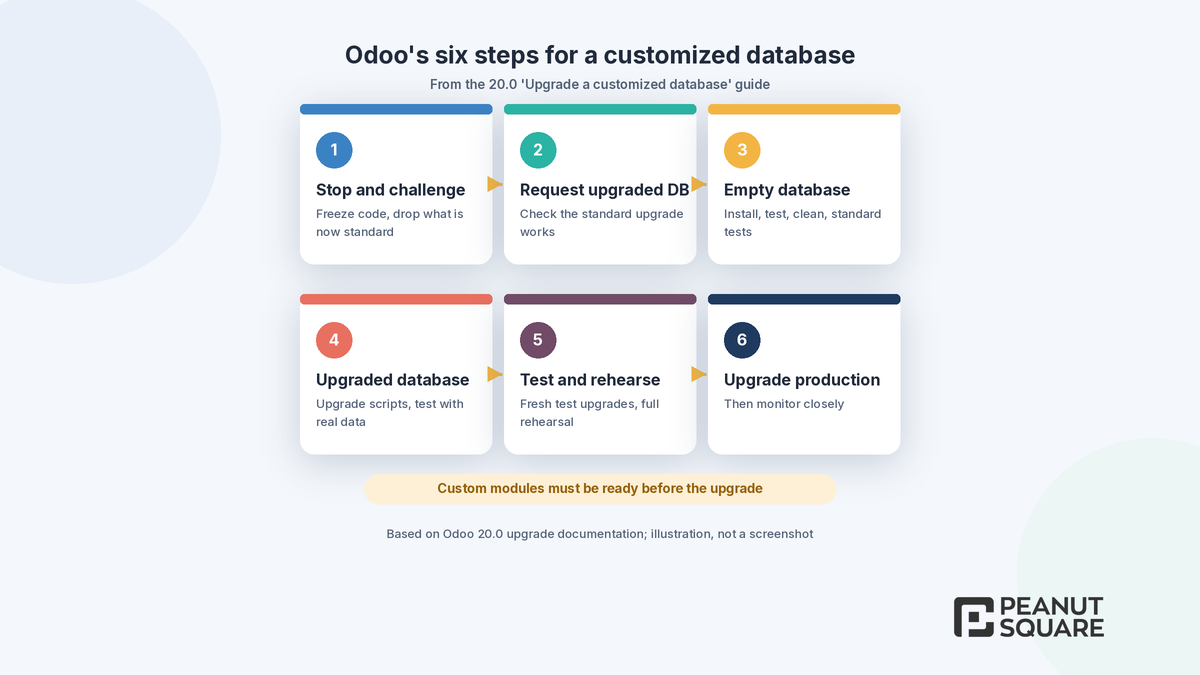
The 20.0 "Upgrade a customized database" guide lists six steps:
Stop the developments and challenge them. Freeze the code and drop features that the new version covers.
Request an upgraded database. The goal is to confirm that the standard upgrade works and the test database is delivered, not yet to run your modules on it.
Make your modules installable on an empty database. Install them one by one on an empty database of the new version, fix tracebacks and warnings, test, clean the code and make the standard tests of their dependencies pass.
Make your modules work on the upgraded database. Migrate data with upgrade scripts and test with real data.
Test extensively and rehearse. Request fresh upgraded test databases regularly and do a full rehearsal the day before the production upgrade.
Upgrade the production database.
On Odoo.sh, the guide explains that a staging branch in "Update on commit" mode restores the upgraded backup and updates all custom modules, including upgrade scripts, each time you push. On-premise, you deploy the upgraded dump and update the modules with odoo-bin -u <modules>. Odoo Online does not allow custom modules with Python files, so upgrade scripts cannot run there.
Code changes to expect in Odoo 20
Odoo's guide lists the usual installation problems when moving to a new version: invalid module dependencies, syntax changes in assets declarations, OWL updates and attrs, references to standard fields, models or views that were removed or renamed, XPaths that moved, and methods renamed or removed. Runtime issues, such as deprecated Python or OWL calls, only appear when you test.
For Odoo 20 specifically, the release notes flag several changes that can break custom code:
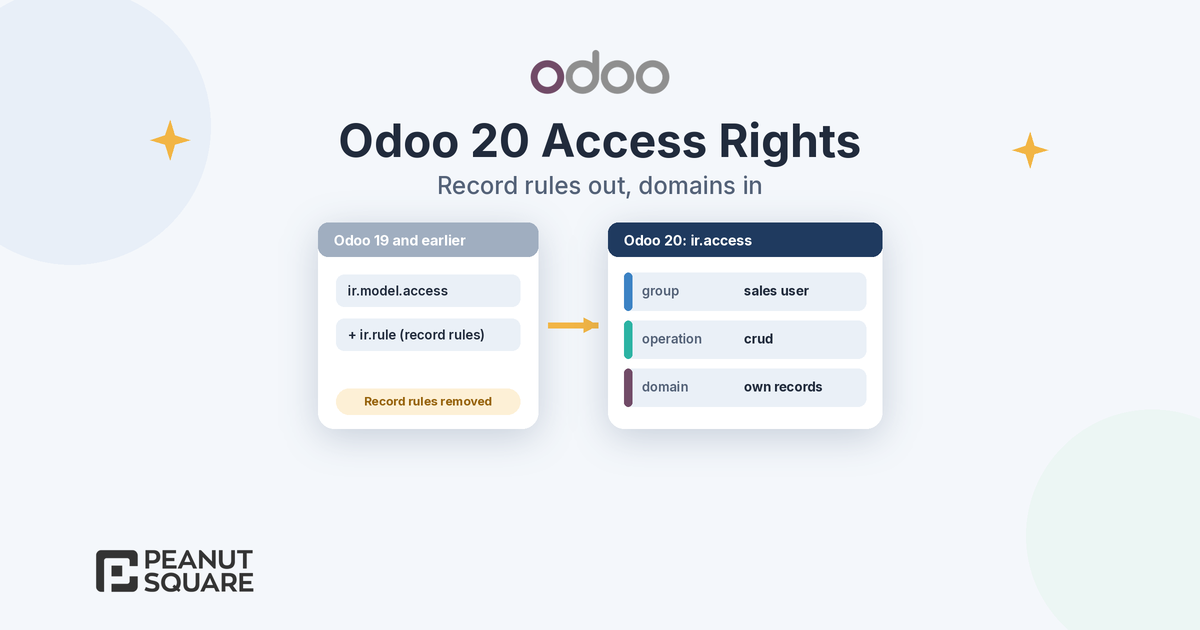
Simplified access rights: record rules have been removed and a domain is added at the access right level. See the security section below.
In-body tracking: tracking values have been removed and the tracking message is generated on the fly. Code that reads tracking values needs a review, and admins who still need them can install a dedicated module.
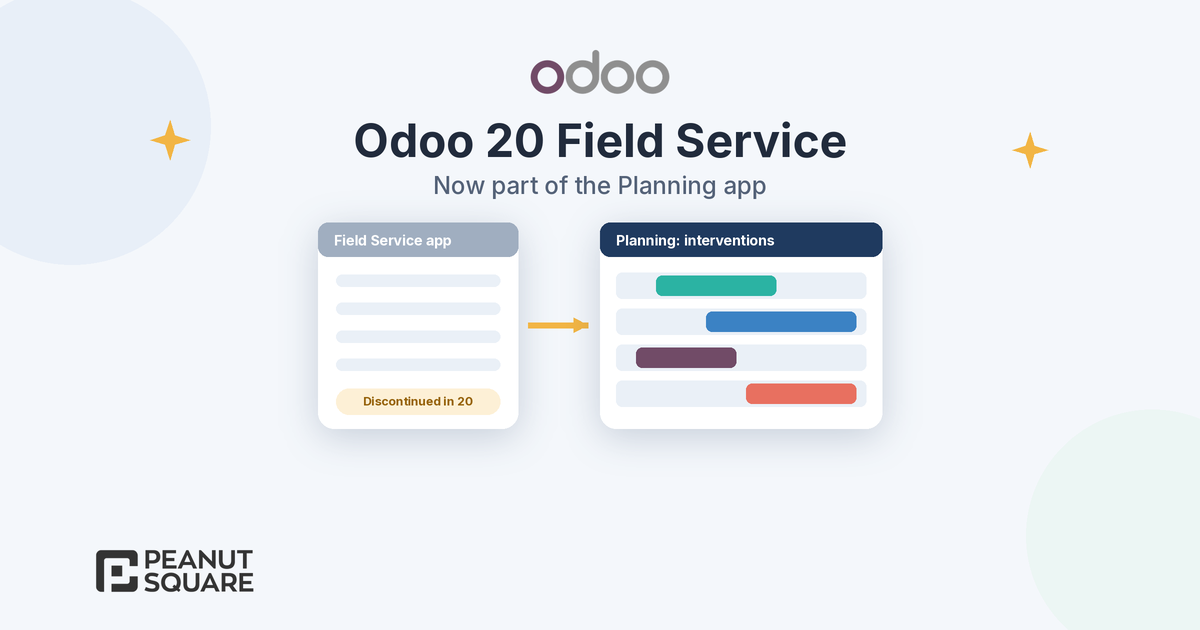
Field Service: the app has been discontinued and its features are now in Planning, so modules that depend on it must be adapted.
Worksheets: worksheet templates now use property fields instead of Studio fields.
Push notifications: they are no longer handled by Firebase but by Odoo's in-house push tools.
The release notes also list app-level changes in accounting, inventory, payroll and other apps. Read the sections for every app your modules extend.
Security and access rights
The 20.0 developer documentation describes a single ir.access model: each access right has a group (or none, for a restriction on every user), an operation string that is a subset of "crud", and an optional domain. The 20.0 tutorial loads these from an ir.access.csv file with the columns id,name,model_id,group_id/id,operation,domain. Custom modules built for Odoo 19 or earlier usually ship an ir.model.access.csv plus record rules in XML, so plan to rewrite those files and map each record rule's domain onto the right access line.
Test the result with one user per role, including portal users and multi-company setups. Our guide to Odoo 20 access rights explains the new model and includes a role-by-role test checklist.
Upgrade scripts and data migration
When code changes affect stored data, use upgrade scripts. According to the 20.0 documentation, an upgrade script is a Python file with a migrate(cr, version) function, placed in $module/upgrades/$version/ (or migrations/). Files run in three phases by name: pre- before the module loads, post- after the module and its dependencies are updated, and end- after all modules are updated. Scripts only run when the module is updated and its version folder is higher than the installed version.
The Upgrade utils library, which Odoo uses for its own standard upgrade scripts, provides helpers such as rename_field(), rename_model(), rename_xmlid(), recompute_fields(), remove_module() and update_record_from_xml(). Odoo's guide says renamed models, fields and external identifiers should go through upgrade scripts to avoid data loss, and that records with the noupdate flag are not updated automatically.
How should you test when you upgrade custom Odoo modules?
Odoo's guide asks you to test all customizations, especially views, email templates, reports, server and automated actions, changes in standard workflows and computed fields, and to write automated tests to speed up repeated rounds. On the upgraded database, check two things it calls out: views that caused issues are disabled during the upgrade and listed in the upgrade report, and must be reactivated or removed; and custom data with the noupdate flag may need an upgrade script.
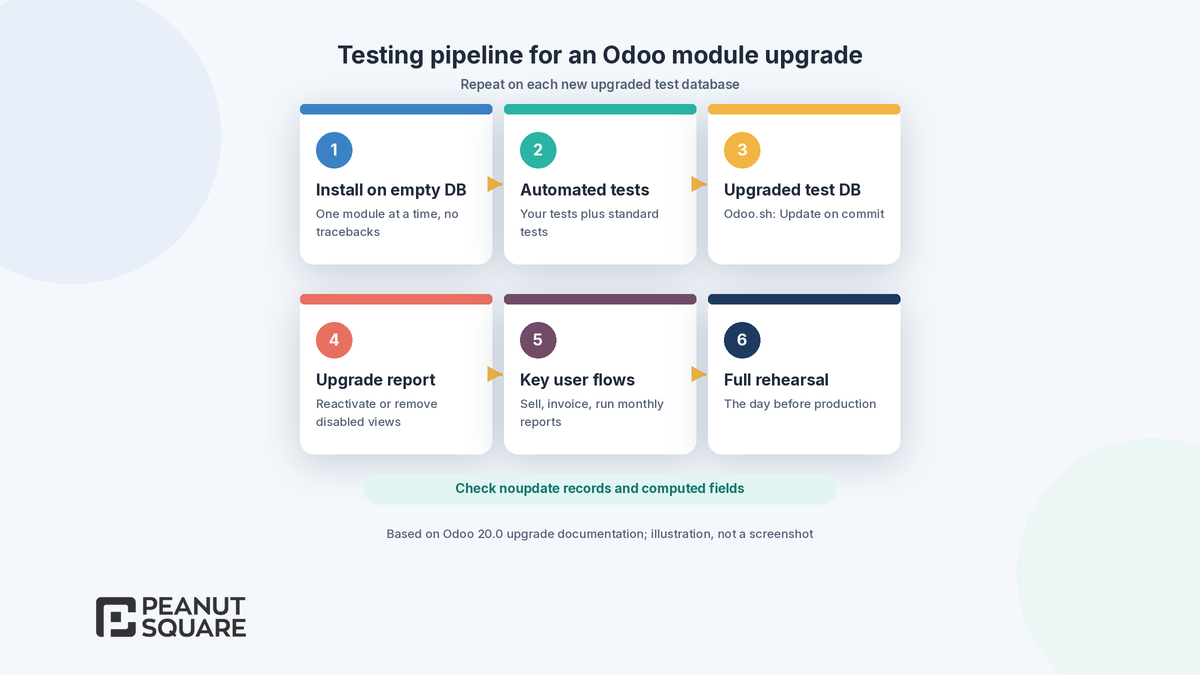
Then ask key users to run real flows on the test database: sell a product, check a customer, validate an invoice and run the reports they use every month, as Odoo's testing guidance suggests.
Go-live plan
Odoo recommends frequent new test upgrades, because both the standard upgrade scripts and your data keep changing, and a full rehearsal the day before production. A practical go-live plan for an Odoo 20 module upgrade covers:
Agree on a cut-off date and freeze both code and configuration.
Run the final rehearsal and record how long the upgrade takes.
Tell users when the database will be unavailable; the production upgrade makes it unavailable while it runs.
On-premise or Odoo.sh, merge the production filestore, since the copy sent for a production upgrade has no filestore.
Update the custom modules, run smoke tests per role and keep a rollback plan.
Monitor errors and user feedback closely for the first weeks.
For a support plan after go-live, see our guide to Odoo support and maintenance. If you are still deciding what to build, read Odoo Studio vs custom development and Odoo custom module development, and our tips for choosing an Odoo partner near you.
How Peanut Square can help
Peanut Square is an Odoo Learning Partner based in Ahmedabad, Gujarat, founded in 2017. We have developed 90 Odoo modules and delivered 100+ projects, and our team includes an Odoo-certified consultant. Our Odoo clients include Renite Vitrified, Woodleaf and Madhav Solar. Our Odoo migration, Odoo customization and Odoo development teams can audit your custom modules, follow Odoo's six-step process, write upgrade scripts and tests, and plan a rehearsed go-live for businesses in Ahmedabad, across Gujarat and remotely.
Need to upgrade custom Odoo modules? Talk to our Ahmedabad development team: https://www.peanutsquare.com/en/contact
About the author: Nishant Patel, CTO, Peanut Square
Nishant leads technology at Peanut Square, an Odoo Learning Partner founded in 2017 and based in Ahmedabad, Gujarat. The team has developed 90 Odoo modules, delivered 100+ projects and includes an Odoo-certified consultant.
Sources
Odoo 20.0 documentation, Upgrade a customized database: https://www.odoo.com/documentation/20.0/developer/howtos/upgrade_custom_db.html
Odoo 20.0 documentation, Upgrade: https://www.odoo.com/documentation/20.0/administration/upgrade.html
Odoo 20.0 documentation, Upgrade scripts: https://www.odoo.com/documentation/20.0/developer/reference/upgrades/upgrade_scripts.html
Odoo 20.0 documentation, Upgrade utils: https://www.odoo.com/documentation/20.0/developer/reference/upgrades/upgrade_utils.html
Odoo 20.0 documentation, Security in Odoo: https://www.odoo.com/documentation/20.0/developer/reference/backend/security.html
Odoo 20 release notes: https://www.odoo.com/odoo-20-release-notes
How do you upgrade custom Odoo modules to a new version?
Odoo's 'Upgrade a customized database' guide lists six steps: stop and challenge the developments, request an upgraded test database, make the modules installable and tested on an empty database of the new version, make them work on the upgraded database with upgrade scripts, test and rehearse, then upgrade production.
Does Odoo upgrade my custom modules for free?
Not automatically. With Odoo Enterprise, the database upgrade is free for standard apps, Studio customizations and developments covered by a maintenance of customizations subscription. Modules created in-house or by third parties, including Odoo partners, are not covered unless they are under a maintenance contract.
What are Odoo upgrade scripts?
An upgrade script is a Python file with a migrate(cr, version) function, placed in $module/upgrades/$version/ or migrations/. Files run in pre, post and end phases by name, only when the module is updated. The Upgrade utils library adds helpers such as rename_field() and rename_model().
What changes in Odoo 20 can break custom modules?
The Odoo 20 release notes list simplified access rights (record rules removed, domains on access rights), removed tracking values, the Field Service app moving into Planning, worksheet templates using property fields and push notifications moving off Firebase. Odoo's guide also lists asset, OWL, view and renamed-method changes to check.
Can I run upgrade scripts on Odoo Online?
No. Odoo's documentation says custom modules containing Python files cannot be installed on Odoo Online, so upgrade scripts cannot run there. On Odoo.sh, staging branches in 'Update on commit' mode run them on each push; on-premise, update the modules with odoo-bin -u.